
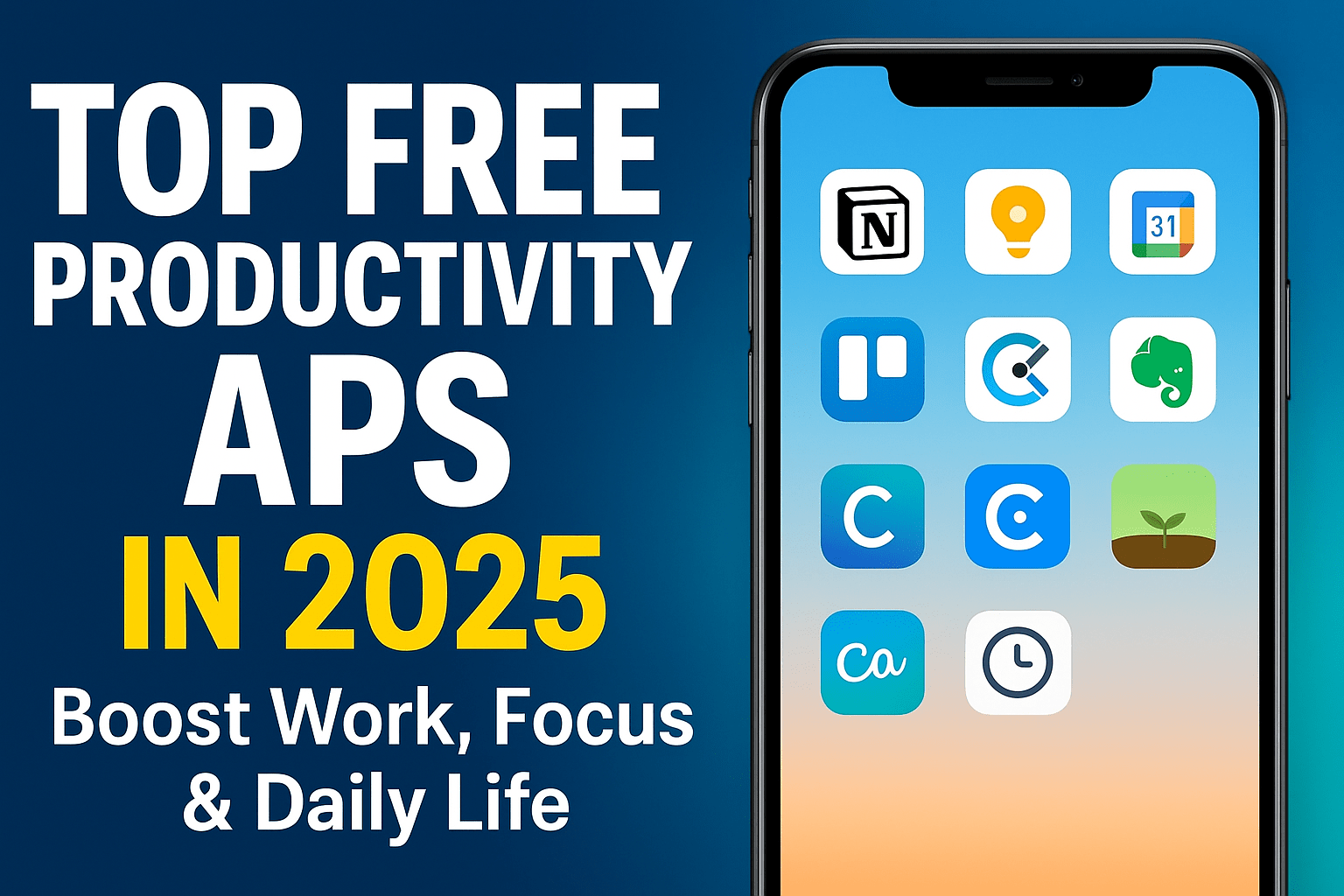
Explore the top free productivity apps of 2025 to boost focus, manage tasks, track time and organize your work. The best AI-powered tools for students & professionals.
Top Free Productivity Apps in 2025: Boost Work, Focus & Daily Life
In today’s fast-paced digital world, productivity is not just about working harder — it’s about working smarter. Whether you’re a student, creator, freelancer, or business owner, the right tools can completely transform the way you plan, organize, and execute your tasks.
Here are the top free productivity apps in 2025 that are dominating the digital space — powerful, advanced, easy to use, and perfect for Android, iOS, and desktop users.
Best Free Productivity Apps for Students & Professionals
top free productivity apps in 2025
1. Notion – The All-In-One Productivity Powerhouse
If you want a single app for planning, writing, tracking goals, and organizing life — Notion is unmatched.
Best For: Students, teams, creators, entrepreneurs
Why It’s Great:
-
Customizable pages
-
Tasks + calendar + notes in one dashboard
-
Team collaboration
-
AI features (summaries, rewrites, ideas)
-
Thousands of free templates
Free Plan Highlights
✔ Unlimited pages
✔ Unlimited blocks
✔ Mobile + desktop sync
Notion is like having your entire office inside your smartphone.
2. Google Keep – The Fastest Note-Taking App
For people who want simplicity, Google Keep is the king of quick notes.
Best For: Students, daily planners, mobile-first users
Why It’s Popular:
-
Color-coded notes
-
Voice notes
-
To-do lists
-
Syncs automatically with Gmail, Calendar, and Drive
-
Extremely lightweight and fast
If you want a zero-complication productivity app — this is it.
3. Trello – Visual Task Management for Everyone
Trello uses a Kanban board style, which makes tasks easy to track visually.
Best For: Teams, project managers, content creators
Top Features:
-
Drag-and-drop tasks
-
Custom workflows
-
Calendar & timeline view
-
Integrations with Slack, Google, Dropbox
-
Mobile-friendly interface
Free Plan
✔ Unlimited cards
✔ 10 boards
✔ Automations included
Perfect for organizing work in a simple and visual way.
4. Microsoft To Do – Simple but Extremely Effective
Microsoft To Do is the most underrated productivity app.
Why It Works:
-
Clean interface
-
Step-by-step task breakdown
-
Reminders, schedules & routines
-
Syncs with Outlook & Microsoft 365
-
Smart daily planning suggestions
If your life feels unorganized, this app brings instant clarity.
5. Evernote (Free) – Classic Notes App, Now AI-Powered
Evernote has been around for years, but in 2025 its AI upgrade makes it stronger.
Top Features:
-
Web clipping tool
-
Smart suggestions
-
Note tagging
-
Multi-device support
-
AI search
Great for research, writing, or saving ideas from anywhere.
6. Clockify – Track Time Like a Pro (Free Time Tracking)
For freelancers, creators, and remote workers — time is money.
Clockify helps you understand:
-
Where your time is going
-
Which tasks matter
-
How much you’re working
Why People Love It
-
Unlimited time tracking
-
Project breakdown
-
Productivity reports
-
Mobile + desktop + browser extension
Best free time-tracker on the internet.
7. Canva – Free Productivity for Creators
Not exactly a “task app”, but Canva boosts productivity for:
-
Social media posting
-
Resume making
-
Presentation creation
-
YouTube thumbnails
-
Office files
Why It’s Essential
-
AI image generation
-
One-click design tools
-
Free templates
-
Brand kits
For digital creators and professionals — Canva saves hours every week.
8. Forest – Boost Focus with a Fun Concept
Forest uses a unique method:
Whenever you focus, a virtual plant grows.
If you use your phone, it dies.
Why People Use It
-
Reduces screen addiction
-
Helps in deep focus
-
Tracks your concentration
-
Motivates through gamification
Perfect for students and remote workers.
9. ClickUp – Best Free All-Round Productivity Suite
ClickUp is literally a “productivity universe”.
What It Offers
-
Tasks
-
Notes
-
Docs
-
Goals
-
Dashboards
-
Time tracking
-
Team chats
Free Plan
✔ Unlimited tasks
✔ Built-in templates
✔ AI writing support
ClickUp is ideal for teams or startups wanting advanced productivity features for free.
10. Grammarly – Write Faster, Better & Correct
Whether you write emails, blogs, or social posts — Grammarly improves everything instantly.
Free Features Include
-
Grammar fixing
-
Tone detection
-
Clarity suggestions
-
Plagiarism detection (basic)
Perfect for business communication and students.
Bonus: Top AI-Powered Productivity Tools (Free Plans)
These tools offer free plans with advanced automation:
🔹 ChatGPT Free – Writing, planning, summarizing, research
🔹 Zoho Workplace Free – Docs + sheets + email
🔹 Focusmate – Live virtual accountability partner
🔹 Motion AI Lite – Auto-schedules your entire day
AI is now a core part of productivity in 2025.
top free productivity apps in 2025
for more news